ChromeLabsCloud + AI: The Future of Execution

ChromeLabsCloud + AI • Knowledge → Execution

AI helps you learn. ChromeLabsCloud helps you execute.

This interface explains the shift from **knowledge** to **execution** — step by step — so students, professionals, and founders feel confident to launch real projects, not just PDFs.

Step 1 • Learn

Learn with AI → Understand

ChatGPT, Gemini, and Perplexity teach concepts, patterns, and structure. They turn confusion into clarity — but they don’t run your idea in the real world.

AI is your digital teacher: it explains, rewrites, and drafts code. That’s knowledge creation — not product creation.

Step 2 • Execute

Execute with ChromeLabsCloud → Reality

Paste or push code. The platform analyzes dependencies, versions, security, and configs — then prepares one-click deploy to staging and production.

Runtime detection (PHP/Node/Python), environment mapping, health checks, SSL, and promotion flows eliminate guesswork.

Step 3 • Grow

Grow with Visibility → Confidence

Publish on MyProfileCloud with your own URL. HR, clients, and mentors can use your app — not just read your resume.

Live links build trust. Demonstrations beat descriptions. That’s how students become hires and ideas become businesses.

Knowledge

AI clarifies the subject and generates code, docs, and tests.

Mindset: “I understand it.”

Execution

ChromeLabsCloud validates, secures, and deploys on real servers.

Mindset: “I can run it.”

Growth

Projects go live with SSL & domain — ready for HR and clients.

Mindset: “I’m visible & credible.”
“AI gives you knowledge. ChromeLabsCloud gives you execution — and execution builds success, confidence, and opportunity.”

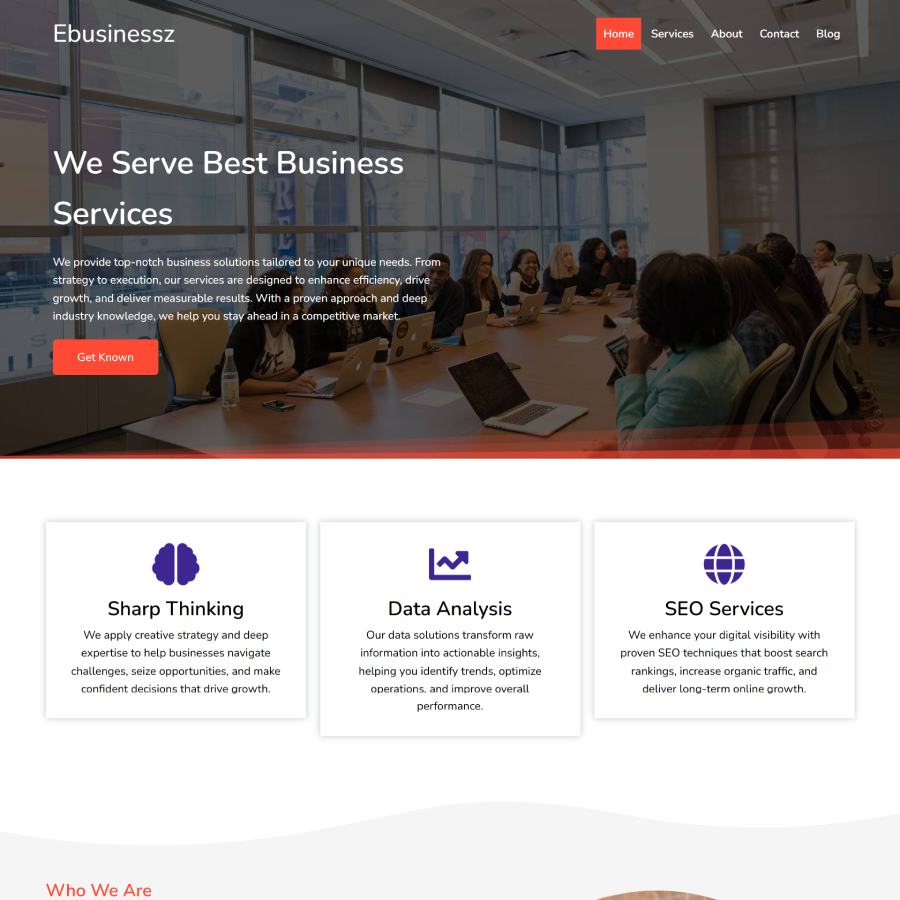
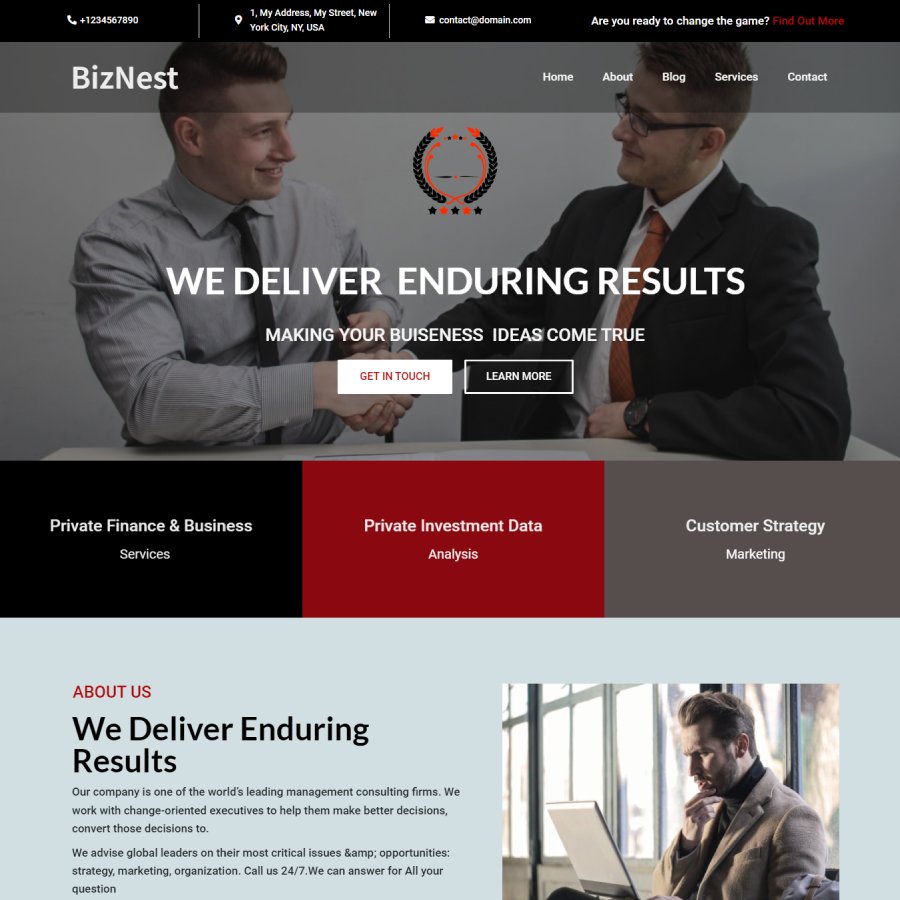
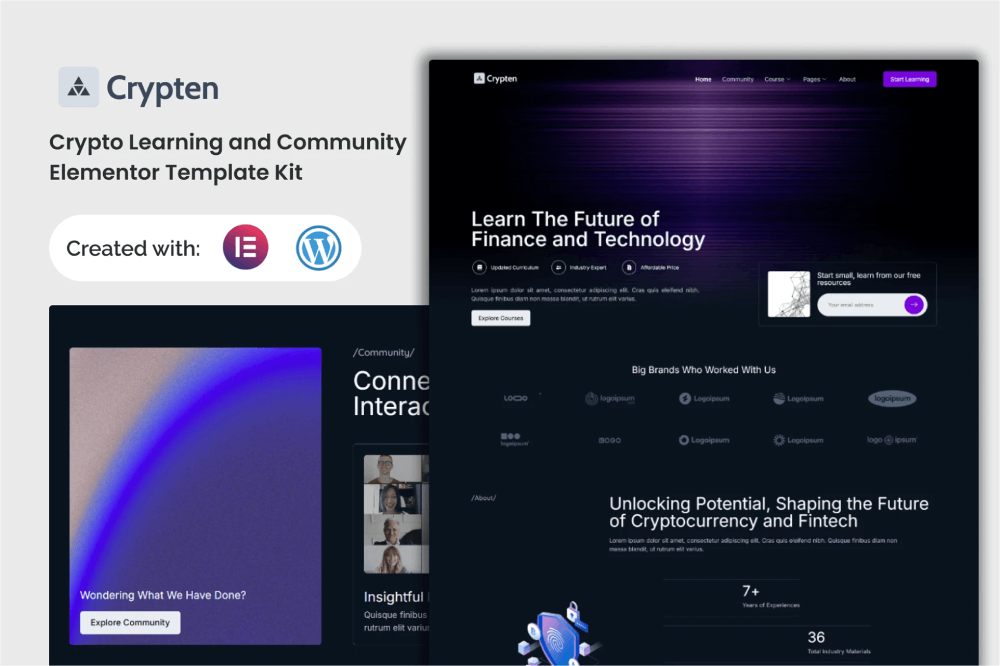
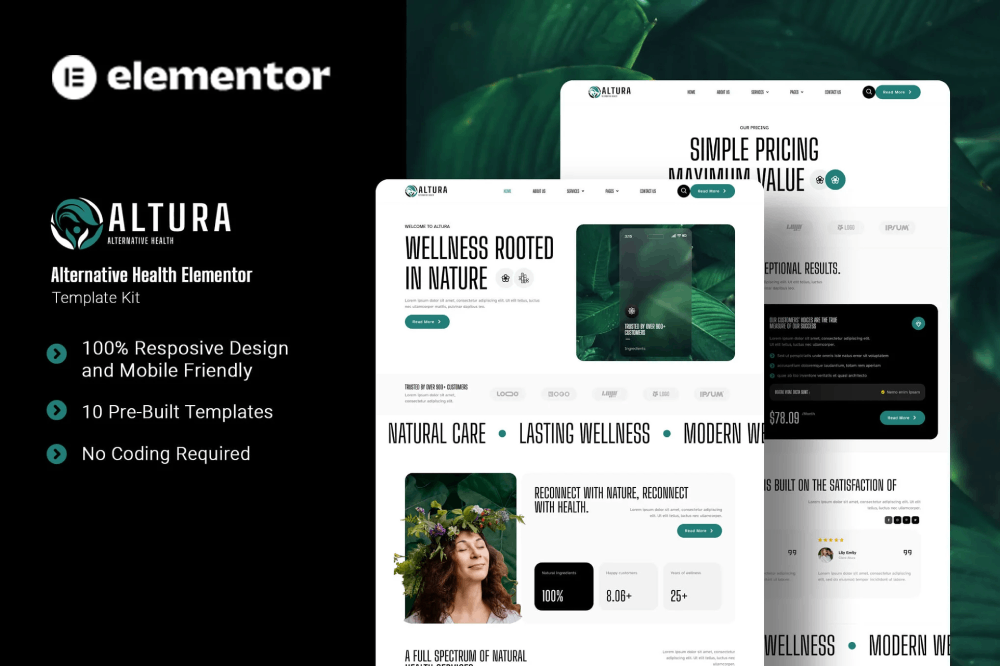
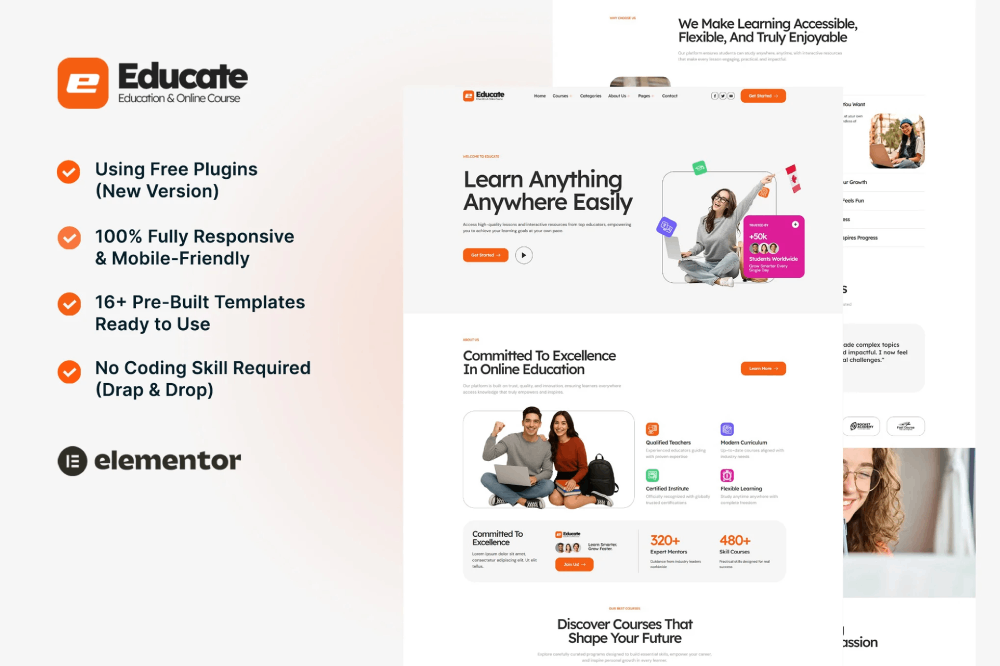
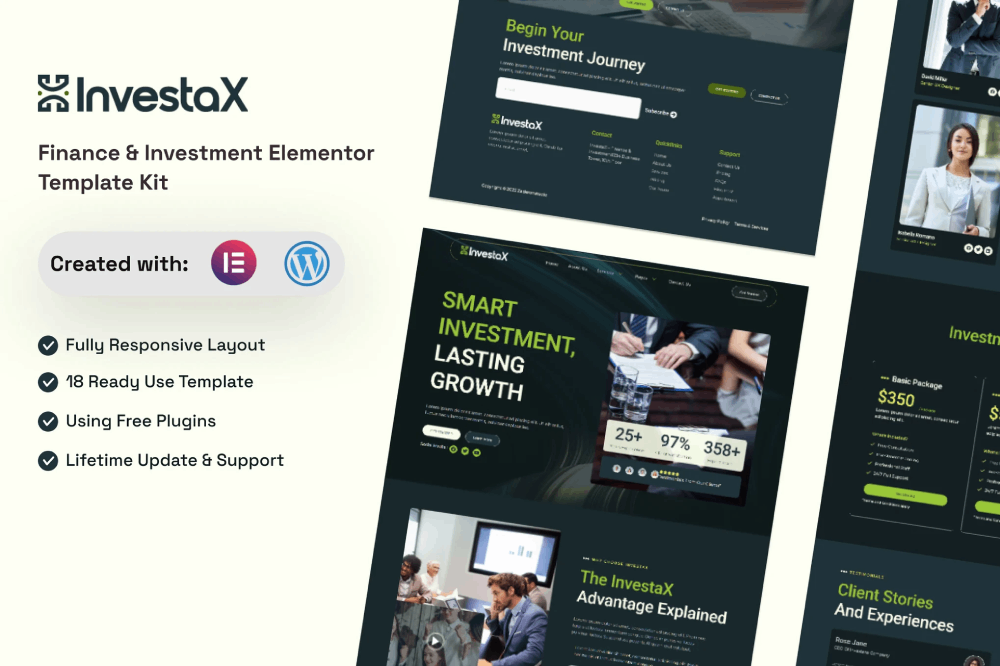
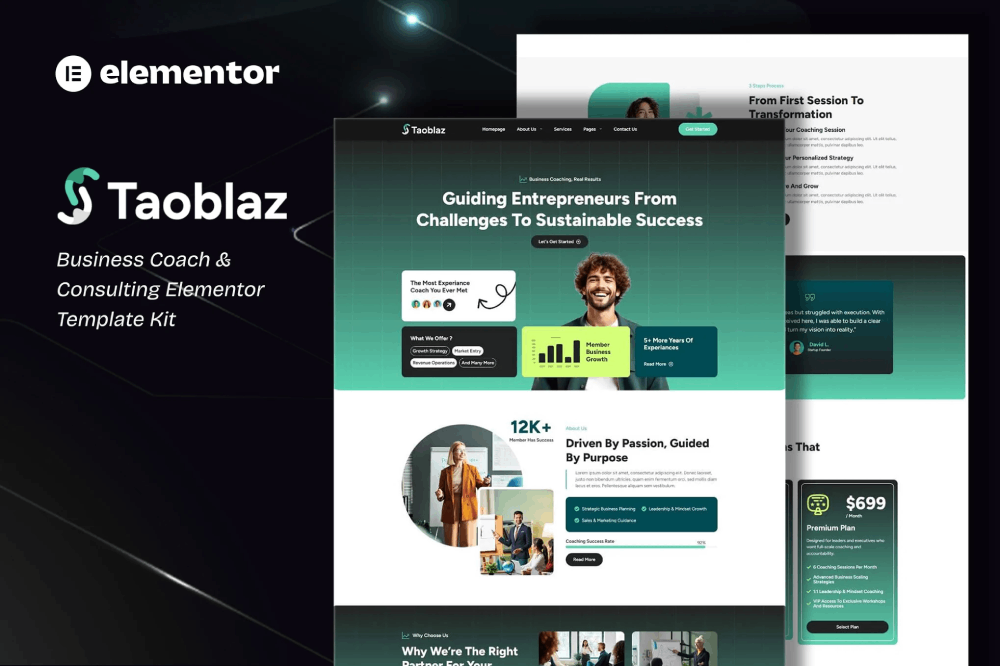
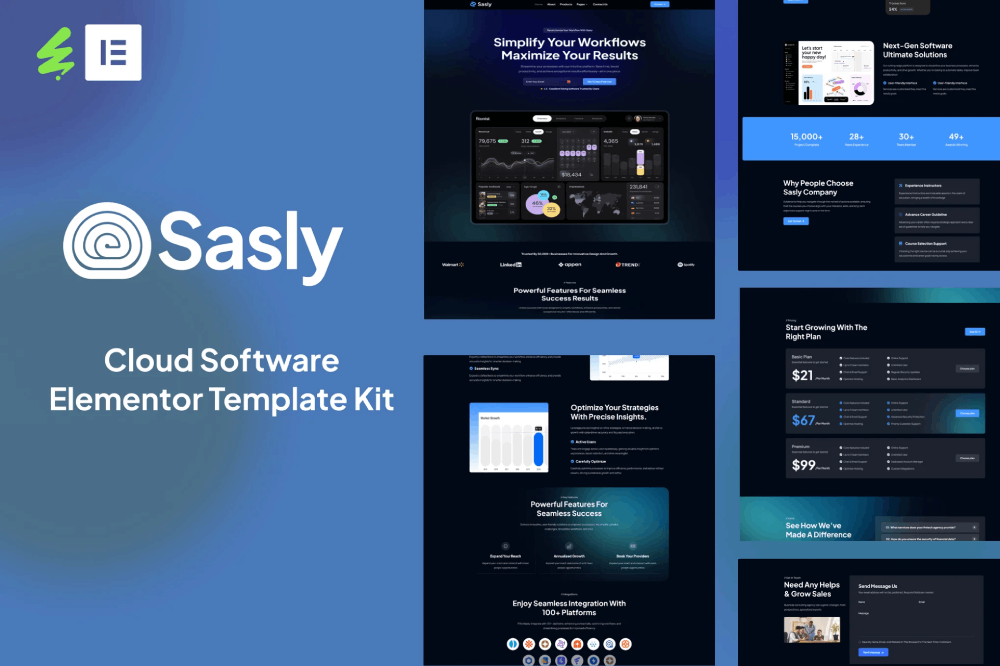
ChromeLabs Cloud Templates & AI Hub — Explore, Generate, and Deploy Everything in One Place

Discover the ChromeLabs Templates & AI Hub — your one-stop platform for HTML templates, WordPress designs, SitePad templates, AI prompts, and

ready-to-use digital assets. Copy, customize, or generate your own website instantly, and deploy it live on ChromeLabsCloud’s multi-technology servers.

Copy Full Portfolio Generator Prompt

Click the button below to copy the complete Chromelabs InBio-style single-file portfolio prompt.

Copy Jenna-Style Dark Portfolio Prompt

Click the button below to copy the full Chromelabs DARK PORTFOLIO (Jenna-style) generator prompt.

CL
CHROMELABS — OLIVIA-STYLE PROMPT
Click the button to copy the full generator prompt exactly as provided.
CL
CHROMELABS — RED/BLACK GENERATOR PROMPT
Click below to copy the full Jenny-style generator prompt.
CL
CHROMELABS — EDU LMS PROMPT
Click the button below to copy the FULL Edutock-style generator prompt.

HOW TO USE THE UNIVERSAL WEBSITE GENERATION PROMPT

Every website starts with a keyword and a master engine. This engine — the Chromelabs Universal Website Builder Prompt — tells AI how to think like a real developer. It doesn’t just generate code — it builds logic, structure, and responsive design automatically.

Let’s learn how to use it in 3 steps. 👇

🧩

STEP 1 — COPY THE MASTER PROMPT

This is your core command brain. It teaches AI everything:

  • How to write HTML, CSS, JS, Bootstrap
  • How to create responsive layouts
  • How to design with logic — not random output

📜 Copy the entire text block:
From “You are a professional full-stack web developer…” to “…ready for immediate deployment.”

💾 Save it as: chromelabs_master_webprompt.txt
or keep it in Notion / Docs for quick use.

🎯 Purpose: This file is your AI blueprint — every website you’ll ever build starts from this. It defines quality, layout logic, typography, responsiveness, and deployment readiness.

⚙️

STEP 2 — DECIDE YOUR WEBSITE KEYWORD

Your keyword tells AI what kind of website to create. It gives context, color psychology, content flow, and industry style.

🧠 Examples:
Portfolio | Real Estate | Restaurant | Startup | College | Agency | Interior Design | Business Consultancy | Wedding Planner

Each keyword triggers:

  • ✅ Specific layout (e.g., Real Estate = listings, Portfolio = gallery)
  • ✅ Relevant sections (About, Services, Contact, etc.)
  • ✅ Color and typography fit for that business

🎯 Purpose: Keyword = your website’s theme brain. It controls what the AI visualizes and how it builds structure.

🚀

STEP 3 — COMBINE KEYWORD + MASTER PROMPT

Now combine them both — like giving the AI “what to build” and “how to build it” together.

When both merge, AI produces a fully-structured, responsive, deploy-ready website — based on your keyword’s logic and Chromelabs’ core prompt intelligence.

Every website starts with a keyword and a master engine. Combine both — and AI builds logic, structure, and responsive design automatically.”

ChromeLabscloud site builder

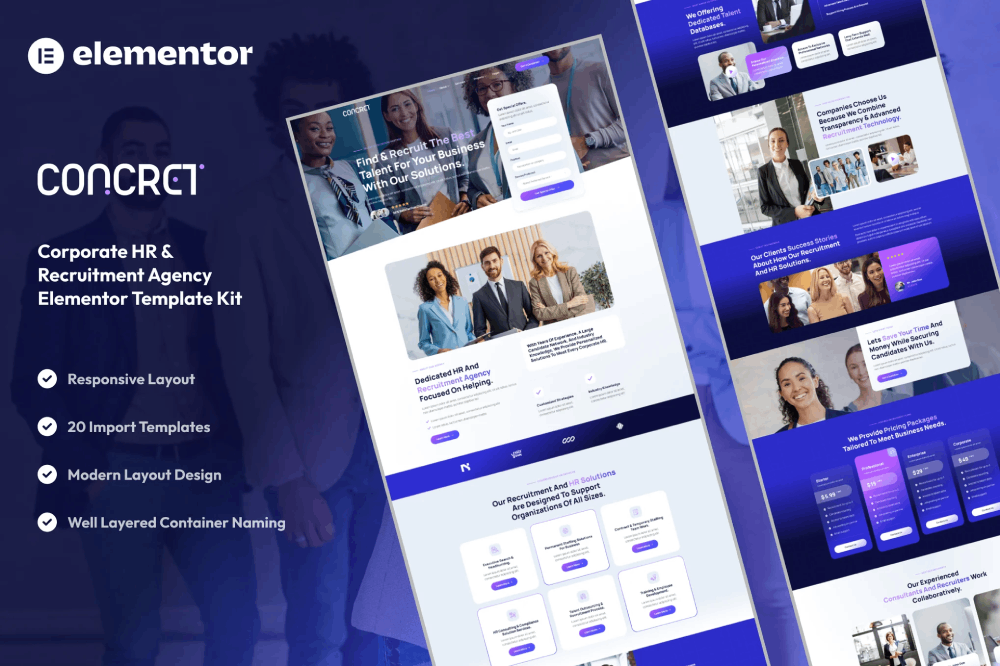
Access more 850 + templates and technologies inside your ChromeLabsCloud Control Panel.
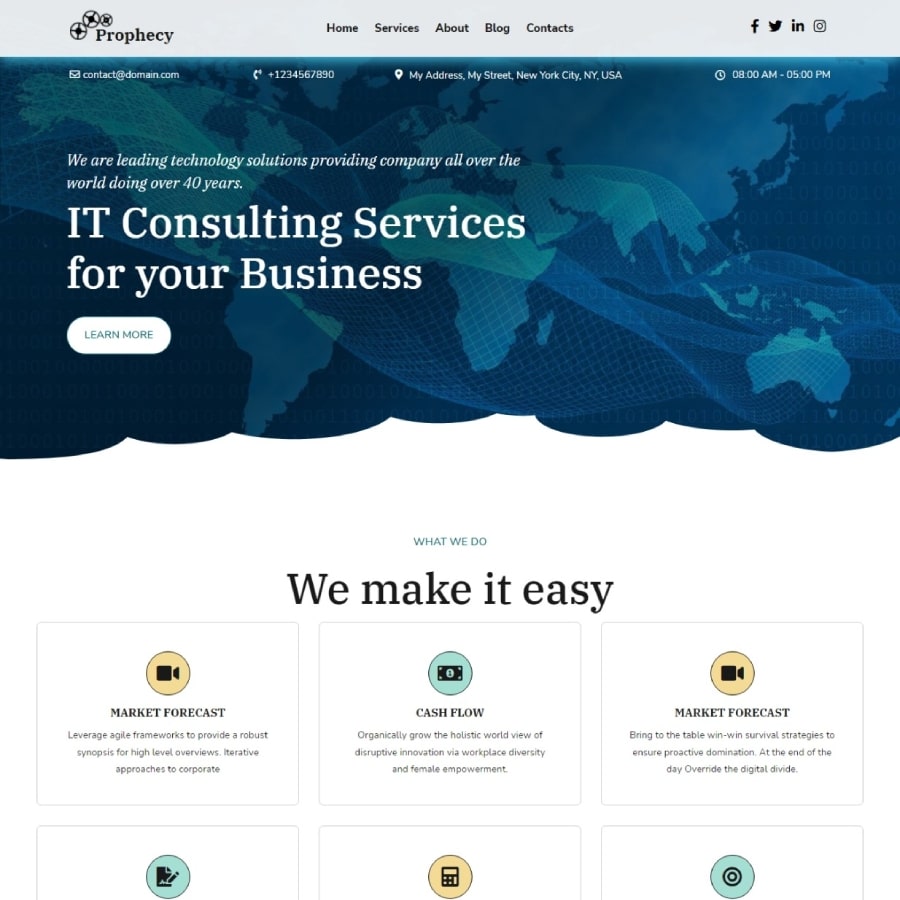
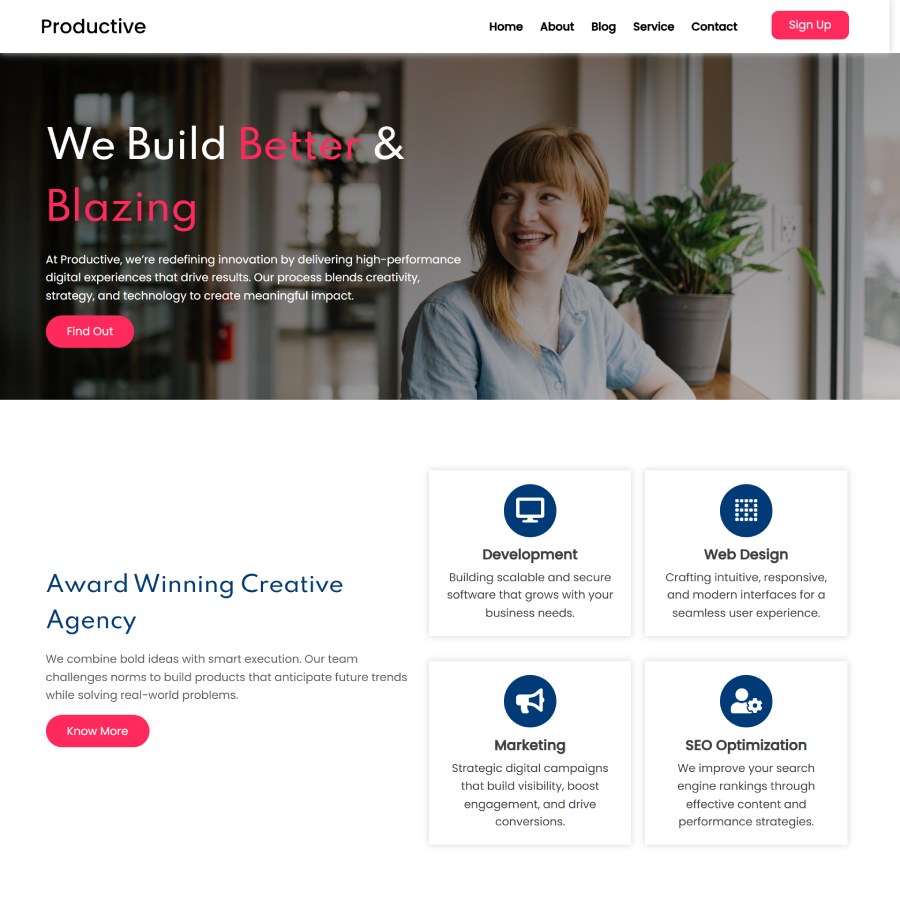
WordPress Templates

Access more templates and technologies inside your ChromeLabsCloud Control Panel.
You Can Copy any Prompts for Free and genearate code for free in ai tools —
But To Build Real Projects, You Need Real Cloud Access.

1

You can copy all these AI prompts absolutely free of cost and use them in any AI platform — like ChatGPT, Gemini, Claude, or Cursor AI.

These AI tools will help you generate code, layouts, and guidance instantly. That’s your first step to learning.

But remember — AI tools can only generate code in theory. To build, test, and deploy real-world projects — you need a live cloud server, real domain, database, and code execution environment.

That’s where ChromeLabsCloud comes in.

Our Professional MyProfileCloud Plan gives you 1 Year of Real Server Access with: Your own live domain & hosting Real-time code deployment (HTML, PHP, Python, Node, React, etc.)

Database and API integration 24×7 live cloud workspace for project building AI-supported development tools inside your own cPanel All this — at just ₹1000 for 1 year.

Here, you don’t just “learn from AI” — you practice on real infrastructure, build real client projects, and become an expert with real-world confidence.

So don’t stop your journey inside ChatGPT — Continue it inside ChromeLabsCloud. This is where AI learning meets real cloud execution — and your career starts becoming future-ready, practical, and profitable. 

2
Build Faster with AI + ChromeLabsCloud
Use ChatGPT, Perplexity, Claude & Cursor to generate code — ChromeLabsCloud auto-analyzes and preps for one-click deploy.

Paste or push your project → our servers check dependencies, versions, security & configs → deploy and showcase on yourname.myprofilecloud.com for HR, clients & internships.

Section What AI Tools Do What ChromeLabsCloud Does Output
Workflow • Step 1
Create with AI
ChatGPT, Perplexity, Claude & Cursor generate clean code, docs, and tests from your prompts. Accepts paste/push via Git. Pre-checks repo structure and CI hints. Guides env setup. Ready project skeleton with README, .env.sample, and AI-assisted notes.
Workflow • Step 2
Auto-Analyze
Suggest package versions, fix lint, generate missing configs. Dependency & version scan; security audit; runtime detection; port/env mapping; build plan creation. Verified plan: deps, Node/Python/PHP versions, build commands, health checks.
Workflow • Step 3
One-Click Deploy
Auto-generate Dockerfile/scripts if requested. Provision staging, run build, attach SSL, set start command, expose URL, promote to production. Live app with HTTPSHealth ChecksLogs
Supported Stacks
PHP / WordPress
Generate themes/plugins, PHP APIs, WP hooks with docs. PHP-FPM tuning, WP-CLI, object cache, auto-updates control, image & DB optimizations. Fast WP sites with cPanel & staging.
Supported Stacks
Node.js
Generate Express/Nest, APIs, sockets, tests. Detects package.json, sets start/build, PM2 process, env/port injection. Stable Node services with logs & restarts.
Supported Stacks
Python
Generate FastAPI/Django/Flask with requirements. Virtualenv, gunicorn/uvicorn, static/media wiring, health endpoints. API/apps deployed with SSL & logs.
Supported Stacks
React / Angular / Static
Generate components, routes, SEO-friendly markup. Detects build tool (Vite/CRA/Angular), runs build, sets cache & SPA fallback. CDN-style static hosting, instant loads.
Dev Helpers
cPanel / WHM
Generate install/config scripts and checklists. Account management, domains/subdomains, email, DBs, file manager access. Full control panel for ops.
Dev Helpers
Git Deploy
Provide CI templates and hooks. Auto-deploy on push, build logs, rollback, staging → production promote. Repeatable, auditable releases.
Dev Helpers
SSL & Security
Recommend headers & scanners. Auto-SSL, HSTS/headers, WAF rules, secrets & env vault. Secure by Default
Showcase
MyProfileCloud
Help write portfolio copy & case studies. Publish projects at yourname.myprofilecloud.com, SEO-ready indexing. Perfect for HR, clients & internships. Share one link.
Auto-analyze covers deps, versions, security & configs.
Use staging → production for safe launches.
Fix flagged vulnerabilities before promote.

Start with a 15-Days Free Trial

  • To avail for a 15 Days free Web Hosting trial you must have your own domain to use for trail of web hosting.
  • If you do not have a domain name registered yet Register Your Domain after that activate your 15 Days free Web Hosting trial
  • Simplified website and server management. Easy & intuitive for beginners, power-packed for the experts.
  • Packed with great features, such as one-click software installs,24/7 support .
ChromeLabs Chatbot

ChromeLabsCloud India’s Cloud Computing & Hosting Server Company

📈 Journey: 2022 → 2026 Started in 2022 as Chromelabs.in with focus on speed, stability, and reliability.

2023 → Multi-technology support (PHP, Node.js, React, Python)

2024 → Unified control (cPanel + WHM + ChromelabsCloud Panel)

2025 → Evolved into a complete cloud ecosystem (business growth + AI-ready) 

Continuously building for the future.

🌍 Today Built in India. Serving worldwide. Helping you build, deploy, and scale real applications with full control and real execution power.

Across the World users

3rd Floor, Alcazar Mall, Plot No. 498, Road No. 36, Aditya Enclave, Jubilee Hills, Hyderabad, Telangana 500033

[Hyderabad , Mumbai , Indore , Shimla India]
[ UK , US , UAE , Europe]

©2021 -2026 All Rights Reserved , ChromeLabs India LLP, Built In Hyderabad India Deployed To the World 

ChithraDurga Help assistance

Chithradurga website prompt

<!DOCTYPE html>

<html lang=”en”>

<head>

<meta charset=”UTF-8″>

<meta name=”viewport” content=”width=device-width, initial-scale=1.0″>

<title>Website Development in Chitradurga | Digital Marketing & SEO Karnataka</title>

<meta name=”description” content=”Website development, SEO and digital marketing services in Chitradurga covering villages and nearby districts like Davanagere, Tumakuru, Ballari and Bangalore Karnataka.”>

<link href=”https://fonts.googleapis.com/css2?family=Lato:wght@300;400;700&display=swap” rel=”stylesheet”>

<style>

*{margin:0;padding:0;box-sizing:border-box;font-family:’Lato’,sans-serif}

body{

background:radial-gradient(circle at left,#0f2d0f,#000);

color:#fff;

}

/* HERO */

.container{

display:flex;

align-items:center;

justify-content:space-between;

padding:80px 8% 40px;

gap:60px;

}

/* LEFT */

.left{

flex:1;

max-width:520px;

text-align:left;

}

.left h4{

color:#aaa;

margin-bottom:8px;

}

.left h1{

font-size:48px;

line-height:1.2;

font-weight:700;

}

.left h1 span{

color:#c6ff00;

display:block;

font-size:26px;

margin-top:5px;

}

.left p{

margin-top:14px;

color:#b5b5b5;

font-size:15px;

line-height:1.6;

}

/* BUTTON */

.buttons{

margin-top:22px;

display:flex;

}

.btn-primary{

background:#c6ff00;

color:#000;

padding:14px 26px;

border-radius:6px;

text-decoration:none;

font-weight:600;

}

/* IMAGE */

.image{

flex:1;

display:flex;

justify-content:center;

}

.image img{

width:280px;

border-radius:16px;

}

/* FULL WIDTH SEO */

.full-section{

width:100%;

padding:40px 8%;

margin-top:20px;

border-top:1px solid #222;

text-align:left;

}

.full-section h5{

color:#c6ff00;

margin-bottom:8px;

}

.full-section h3{

font-size:20px;

margin-bottom:10px;

}

.full-section p{

color:#b5b5b5;

font-size:14px;

line-height:1.6;

max-width:900px;

}

/* RESPONSIVE */

@media(max-width:900px){

.container{

flex-direction:column;

align-items:flex-start;

padding:60px 6%;

gap:30px;

}

.left{

width:100%;

text-align:left;

}

.buttons{

justify-content:flex-start;

}

.image{

width:100%;

justify-content:flex-start;

}

.image img{

width:220px;

}

.full-section{

text-align:left;

padding:30px 6%;

}

}

@media(max-width:500px){

.left h1{

font-size:32px;

}

.left h1 span{

font-size:20px;

}

}

</style>

</head>

<body>

<!– HERO –>

<div class=”container”>

<div class=”left”>

<h4>Hi, This is</h4>

<h1>

ABC <br>

<span>from Chitradurga</span>

</h1>

<p>

Web Developer & Digital Marketing Expert helping businesses grow in Chitradurga, surrounding districts, villages and across Bangalore Karnataka.

<br><br>

I build websites, run SEO and create systems that generate real clients.

</p>

<div class=”buttons”>

<a href=”https://wa.me/919999999999?text=Hi%2C%20I%20saw%20your%20website%20on%20Google%20and%20social%20media.%20I%20need%20more%20information%20about%20your%20services%20in%20Chitradurga%20and%20nearby%20districts%20like%20Davanagere%2C%20Tumakuru%2C%20Ballari.” 

class=”btn-primary”>

Connect on WhatsApp

</a>

</div>

</div>

<div class=”image”>

<img src=”https://ayeshamufeeda.myprofilecloud.cfd/myphoto.png” alt=”Profile”>

</div>

</div>

<!– FULL WIDTH SEO –>

<div class=”full-section”>

<h5>Chitradurga • Villages • Davanagere • Tumakuru • Ballari • Bangalore</h5>

<h3>

Website Development & Digital Marketing Services

</h3>

<p>

Providing website development, SEO and digital marketing services across Chitradurga including Challakere, Hiriyur, Holalkere, Hosadurga and surrounding villages, along with nearby districts and Bangalore to help businesses grow online.

</p>

</div>

</body>

</html>

<!– ================= SERVICES SECTION START ================= –>

<style>

/* SERVICES SECTION (ISOLATED – NO CONFLICT) */

.services-section{

padding:80px 8%;

background:#f5f7fb;

color:#000;

text-align:center;

}

.services-section h5{

color:#2563eb;

font-size:14px;

margin-bottom:10px;

}

.services-section h2{

font-size:32px;

margin-bottom:40px;

}

.service-grid{

display:grid;

grid-template-columns:repeat(4,1fr);

gap:20px;

}

.service-card{

background:linear-gradient(135deg,#1e3a8a,#2563eb);

color:#fff;

padding:25px;

border-radius:20px;

text-align:left;

position:relative;

transition:0.3s;

}

.service-card span{

position:absolute;

top:12px;

left:12px;

background:#000;

padding:5px 10px;

border-radius:20px;

font-size:11px;

}

.service-card h3{

margin-top:30px;

margin-bottom:10px;

font-size:18px;

}

.service-card p{

font-size:14px;

line-height:1.5;

color:#e0e7ff;

}

.service-card:hover{

transform:translateY(-6px);

box-shadow:0 10px 30px rgba(0,0,0,0.2);

}

/* TABLET */

@media(max-width:1000px){

.service-grid{

grid-template-columns:repeat(2,1fr);

}

}

/* MOBILE */

@media(max-width:600px){

.service-grid{

grid-template-columns:1fr;

}

.services-section h2{

font-size:24px;

}

}

</style>

<style>

/* SECTION */

.ai-section{

padding:80px 8%;

background:#f8fafc;

text-align:center;

}

.ai-section h2{

font-size:32px;

margin-bottom:10px;

}

.ai-section h2 span{

color:#2563eb;

}

.ai-section p{

color:#555;

margin-bottom:40px;

font-size:15px;

}

/* GRID */

.ai-grid{

display:grid;

grid-template-columns:repeat(3,1fr);

gap:20px;

}

/* CARD */

.ai-card{

background:#fff;

border-radius:16px;

padding:20px;

text-align:left;

border:2px solid #e5e7eb;

transition:0.3s;

position:relative;

}

.ai-card h3{

font-size:18px;

margin-bottom:10px;

color:#111;

}

.ai-card p{

font-size:14px;

color:#555;

line-height:1.5;

}

/* HOVER */

.ai-card:hover{

transform:translateY(-6px);

border-color:#2563eb;

box-shadow:0 10px 25px rgba(0,0,0,0.1);

}

/* COVERAGE */

.ai-coverage{

margin-top:30px;

font-size:14px;

color:#444;

max-width:900px;

margin-left:auto;

margin-right:auto;

}

/* RESPONSIVE */

@media(max-width:1000px){

.ai-grid{

grid-template-columns:repeat(2,1fr);

}

}

@media(max-width:600px){

.ai-grid{

grid-template-columns:1fr;

}

.ai-section h2{

font-size:24px;

}

}

</style>


<!– ================= AI + WEB TRAINING SECTION START ================= –>

<style>

.ai-section{

padding:80px 8%;

background:#f8fafc;

text-align:center;

color:#111;

}

/* HEADINGS */

.ai-section h2{

font-size:32px;

margin-bottom:10px;

color:#111;

}

.ai-section h2 span{

color:#2563eb;

font-weight:700;

}

.ai-section .sub{

color:#555;

margin-bottom:40px;

font-size:15px;

}

/* GRID */

.ai-grid{

display:grid;

grid-template-columns:repeat(3,1fr);

gap:20px;

}

/* CARD */

.ai-card{

background:#ffffff;

border-radius:16px;

padding:22px;

text-align:left;

border:2px solid #e5e7eb;

transition:0.3s;

position:relative;

}

.ai-card h3{

font-size:18px;

margin-bottom:10px;

color:#111;

}

.ai-card p{

font-size:14px;

color:#555;

line-height:1.5;

}

/* HOVER EFFECT */

.ai-card:hover{

transform:translateY(-6px);

border-color:#2563eb;

box-shadow:0 10px 25px rgba(0,0,0,0.08);

}

/* COVERAGE */

.ai-coverage{

margin-top:30px;

font-size:14px;

color:#444;

max-width:900px;

margin-left:auto;

margin-right:auto;

line-height:1.6;

}

/* RESPONSIVE */

@media(max-width:1000px){

.ai-grid{

grid-template-columns:repeat(2,1fr);

}

}

@media(max-width:600px){

.ai-grid{

grid-template-columns:1fr;

}

.ai-section h2{

font-size:24px;

}

}

</style>

<section class=”ai-section”>

<h2>

Learn Real Skills & <span>Earn from Chitradurga</span>

</h2>

<p class=”sub”>

Practical training + live projects + income system using ChromelabsCloud

</p>

<div class=”ai-grid”>

<div class=”ai-card”>

<h3>1. Website Development</h3>

<p>

Learn how to write code and build websites, then deploy them live using ChromelabsCloud servers.

</p>

</div>

<div class=”ai-card”>

<h3>2. Domain & Hosting Setup</h3>

<p>

Understand domains, DNS and how to connect your website to hosting from scratch.

</p>

</div>

<div class=”ai-card”>

<h3>3. cPanel Mastery</h3>

<p>

Learn how to manage files, domains and databases using cPanel professionally.

</p>

</div>

<div class=”ai-card”>

<h3>4. Live Deployment</h3>

<p>

Upload your code into public_html and make your website live globally.

</p>

</div>

<div class=”ai-card”>

<h3>5. ChatGPT for Development</h3>

<p>

Use ChatGPT to generate code, fix bugs and build websites faster with real workflow.

</p>

</div>

<div class=”ai-card”>

<h3>6. Image to Code</h3>

<p>

Convert designs or images into working code and edit them live without confusion.

</p>

</div>

<div class=”ai-card”>

<h3>7. Backup System</h3>

<p>

Learn how to take full backups and restore your website safely anytime.

</p>

</div>

<div class=”ai-card”>

<h3>8. Client Projects & Freelancing</h3>

<p>

Work on real client projects and start earning from Chitradurga and nearby districts.

</p>

</div>

<div class=”ai-card”>

<h3>9. Earn by Teaching</h3>

<p>

With ChromelabsCloud, you can also earn by teaching others and building your own system.

</p>

</div>

</div>

<p class=”ai-coverage”>

Training available across Chitradurga including Challakere, Hiriyur, Holalkere, Hosadurga, nearby villages and surrounding districts like Davanagere, Tumakuru, Ballari and Bangalore.

</p>

</section>

<!– ================= AI + WEB TRAINING SECTION END ================= –>

</section>


<section class=”services-section”>

<h5>What We Offer</h5>

<h2>Digital Services in Chitradurga & Surrounding Districts</h2>

<div class=”service-grid”>

<div class=”service-card”>

<span>Local Business</span>

<h3>Website Development</h3>

<p>

Professional websites for businesses in Chitradurga, Challakere, Hiriyur, Holalkere and nearby villages to attract more clients.

</p>

</div>

<div class=”service-card”>

<span>Google Ranking</span>

<h3>SEO Optimization</h3>

<p>

Rank your business on Google in Chitradurga, Davanagere, Tumakuru and Ballari using strong local SEO strategies.

</p>

</div>

<div class=”service-card”>

<span>Lead Generation</span>

<h3>Digital Marketing</h3>

<p>

Get more customers through social media marketing and ads across Karnataka including Bangalore.

</p>

</div>

<div class=”service-card”>

<span>Automation</span>

<h3>AI Business Systems</h3>

<p>

Automate customer handling, leads and operations using AI tools for faster business growth.

</p>

</div>

<div class=”service-card”>

<span>High Speed</span>

<h3>Cloud Hosting</h3>

<p>

Secure and fast hosting solutions for websites with high uptime and performance support.

</p>

</div>

<div class=”service-card”>

<span>Income Focus</span>

<h3>Freelancing Training</h3>

<p>

Learn website development and digital marketing to earn from Chitradurga, villages and nearby districts.

</p>

</div>

<div class=”service-card”>

<span>Brand Growth</span>

<h3>Social Media Marketing</h3>

<p>

Increase your business visibility on Instagram, Facebook and local platforms to reach more customers.

</p>

</div>

<div class=”service-card”>

<span>Complete Setup</span>

<h3>Website + SEO Package</h3>

<p>

End-to-end solution including website, SEO and marketing setup for long-term business growth.

</p>

</div>

</div>

</section>

<!– ================= SERVICES SECTION END ================= –>

<!DOCTYPE html>

<html lang=”en”>

<head>

<meta charset=”UTF-8″>

<meta name=”viewport” content=”width=device-width, initial-scale=1.0″>

<title>Contact | Website Developer in Chitradurga</title>

<style>

*{

margin:0;

padding:0;

box-sizing:border-box;

font-family: ‘Segoe UI’, sans-serif;

}

body{

background:#05080f;

color:#fff;

}

/* SECTION */

.contact-section{

padding:80px 8%;

display:flex;

justify-content:space-between;

align-items:flex-start;

gap:60px;

}

/* LEFT */

.left{

flex:1;

}

.left small{

letter-spacing:2px;

color:#888;

font-size:13px;

}

.left h1{

font-size:60px;

line-height:1.1;

margin-top:20px;

font-weight:300;

}

/* RIGHT */

.right{

flex:1;

display:flex;

gap:40px;

border-left:1px solid #333;

padding-left:40px;

}

.box{

flex:1;

}

.box h3{

font-size:26px;

margin-bottom:10px;

}

.box p{

color:#aaa;

font-size:15px;

line-height:1.6;

margin-bottom:20px;

}

/* BUTTON */

.btn{

display:inline-block;

padding:14px 26px;

background:#c6ff00;

color:#000;

font-weight:600;

text-decoration:none;

border-radius:6px;

transition:0.3s;

}

.btn:hover{

background:#a8e600;

}

/* EMAIL LINK */

.email{

color:#c6ff00;

text-decoration:none;

}

/* RESPONSIVE */

@media(max-width:900px){

.contact-section{

flex-direction:column;

gap:40px;

}

.right{

flex-direction:column;

border-left:none;

padding-left:0;

}

.left h1{

font-size:40px;

}

}

@media(max-width:500px){

.left h1{

font-size:32px;

}

}

</style>

</head>

<body>

<section class=”contact-section”>

<!– LEFT –>

<div class=”left”>

<small>CONNECT WITH ME</small>

<h1>

Let’s build something<br>

powerful for your business

</h1>

</div>

<!– RIGHT –>

<div class=”right”>

<div class=”box”>

<h3>Phone</h3>

<p>+91 99999 99999</p>

<h3>Address</h3>

<p>

Chitradurga, Karnataka<br>

Serving nearby districts: Davanagere, Tumakuru, Ballari, and villages across region

</p>

</div>

<div class=”box”>

<h3>Email</h3>

<p>

<a href=”mailto:hello@yourdomain.com?subject=Service Inquiry&body=Hi, I saw your website and I need more information about your services in Chitradurga and nearby districts.” class=”email”>

hello@yourdomain.com

</a>

</p>

<a href=”https://wa.me/919999999999?text=Hi%2C%20I%20came%20across%20your%20website%20on%20Google%20and%20social%20media.%20I%20am%20interested%20in%20your%20services%20in%20Chitradurga%20and%20nearby%20districts.%20Please%20share%20more%20details.” 

class=”btn”>

Let’s Grow Your Business →

</a>

</div>

</div>

</section>

</body>

</html>

image to code

You are an expert front-end developer, UI/UX designer, and responsive design specialist.

Your task is to carefully analyze the provided image and convert it into a COMPLETE, PRODUCTION-READY website.

⚠️ STRICT INSTRUCTIONS:

  1. Generate ONLY ONE FILE → index.html
  2. Do NOT provide any explanation
  3. Do NOT use markdown
  4. Do NOT skip any section from the design
  5. The design must be EXACTLY SAME as the image (pixel-perfect as much as possible)

⚙️ DEVELOPMENT RULES:

  • Use pure HTML, CSS, and JavaScript
  • Write all CSS inside <style> tag
  • Write all JavaScript inside <script> tag
  • Do NOT use external frameworks unless necessary

📱 RESPONSIVENESS (VERY IMPORTANT):

  • Fully responsive for:

  – Mobile

  – Tablet

  – Desktop

  • Maintain SAME design structure across all devices
  • Do NOT break layout or alignment
  • Use proper Flexbox / Grid for responsiveness
  • Ensure spacing, font sizes, and sections scale correctly

🎨 UI/UX REQUIREMENTS:

  • Match fonts, colors, spacing, and layout exactly
  • Maintain visual hierarchy
  • Smooth alignment and clean structure
  • Buttons, sections, and cards must match the design

🚫 DO NOT:

  • Change design structure
  • Remove any element
  • Add unnecessary content
  • Distort proportions

✅ OUTPUT FORMAT:

Return ONLY the complete index.html file code.

Deploy Your Website in 1 Click Using ChromeLabsCloud

Deploy Your Website in 1 Click Using ChromeLabsCloud

After generating your index.html file using AI tools like ChatGPT, Google Gemini, or Claude, follow these simple steps to make your website live:

📂 Step 1: Upload Your File to cPanel

  • Login to your ChromeLabsCloud cPanel
  • Open File Manager
  • Navigate to the public_html folder
  • Create a file named index.html (if it doesn’t exist)
  • Open the file and paste your complete AI-generated code
  • Click Save

🌐 Step 2: Make Your Website Live

  • Once you save the file, your website becomes live instantly
  • Open your domain name in a browser
  • You will see your website running live on the internet

✏️ Step 3: Edit Without Coding (HTML Live Editor)

  • Go to cPanel → File Manager → public_html
  • Right-click on index.html
  • Click on HTML Editor / Edit (ChromeLabsCloud Live Editor)
  • Now you can edit your website visually

✔ No coding knowledge required
✔ Make changes anytime
✔ Save and see updates instantly